
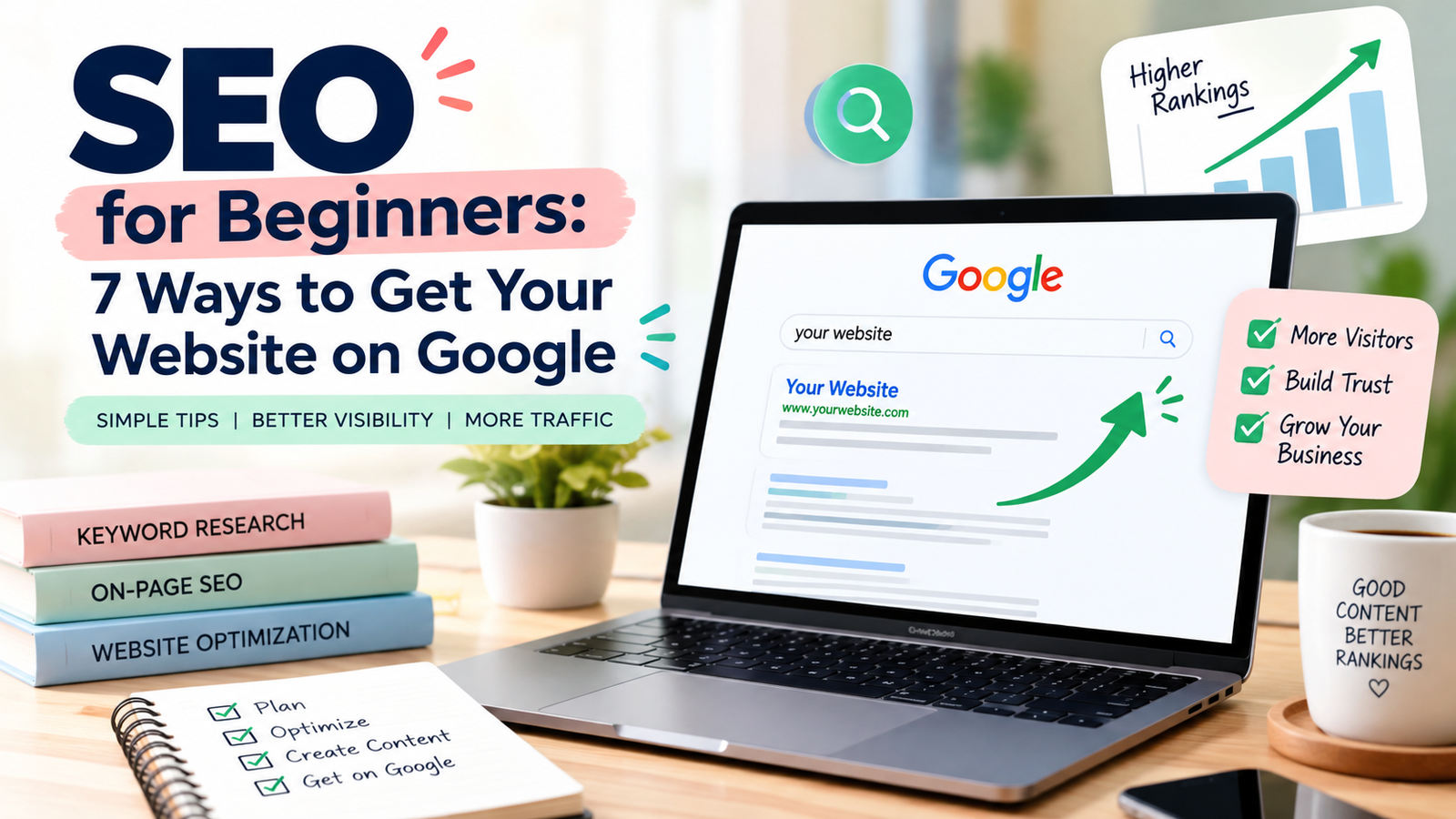
SEO for beginners
Have you created a website for your business or personal brand but are struggling to get visitors? You are not alone. Many website owners invest time in designing their websites but forget one important thing: helping people find them through search engines.
This is where SEO for beginners becomes important.
Search Engine Optimization (SEO) helps improve your website’s visibility in search engine results so that people can discover your content when searching for relevant information, products, or services.
Whether you are a small business owner, blogger, freelancer, or beginner in digital marketing, learning basic SEO can help you build a stronger online presence.
In this guide, you will learn seven practical ways to improve your website’s SEO and help Google discover, understand, and potentially show your pages in search results.
What Is SEO?
Learning SEO for beginners helps website owners understand how search engines work and how to make their content easier to discover. SEO stands for Search Engine Optimization. It is the process of improving your website so search engines can understand its content and users can find relevant information more easily.
For example, imagine someone searches Google for “digital marketing tips for beginners.” If you have published a helpful article about this topic and optimized it properly, your article may appear in the search results.
SEO focuses on three important areas:
- On-page SEO: Improving your page titles, headings, content, images, and internal links.
- Technical SEO: Helping search engines access, crawl, and index your website.
- Off-page SEO: Building your website’s reputation through relevant backlinks and other external signals.
SEO is not about tricking Google. It is about creating useful content, organizing your website effectively, and providing a good experience for your visitors.
Why Is SEO Important for Your Website?
Following SEO tips for beginners can help you build a stronger website, reach your target audience, and improve your online visibility. Having a website is an important first step toward building your online presence. However, you also need a way for your target audience to discover it.
Here are some reasons SEO matters:
- Increases organic traffic: Helps people discover your website through unpaid search results.
- Builds credibility: Useful, relevant content can help establish trust with your audience.
- Reaches the right audience: You can create content around the questions your potential customers are already asking.
- Supports long-term growth: Well-maintained content can attract visitors over time.
- Helps grow your business: Relevant website visitors may become readers, subscribers, or customers.
SEO takes time, and rankings are never guaranteed. However, a consistent strategy can help improve your website’s chances of reaching the right people.
1. Find the Right Keywords
Keyword research is one of the first steps in SEO. Keywords are the words and phrases people enter into search engines when looking for information.
For example, if your website focuses on digital marketing, your audience might search for:
- SEO for beginners
- Digital marketing tips
- How to improve website ranking
- Social media marketing strategies
- How to increase website traffic
Choose a primary keyword that closely matches the topic and intent of your article.
For this blog post, the focus keyword is “SEO for beginners.”
You can research keyword ideas using tools such as Google Keyword Planner, Google Trends, and Google Search Console. Look at Google’s autocomplete suggestions and related searches to understand what people want to know.
Tip: Focus on answering one main question per article. Avoid repeating the same keyword unnaturally just to make the content appear optimized.
2. Write an SEO-Friendly Title and Meta Description
Your page title helps search engines and readers understand what your page is about. A clear, descriptive title can also encourage people to click your result.
For example:
SEO title: SEO for Beginners: 7 Ways to Get Your Website on Google
Your meta description should briefly summarize the article and explain what readers will gain from it.
Example meta description:
Learn SEO for beginners with 7 simple tips to help your website appear on Google, improve search visibility, attract organic traffic, and grow your online presence.
For better on-page SEO:
- Include your primary keyword naturally in the title.
- Write a unique title and meta description for every important page.
- Make the title accurate and relevant to the content.
- Give readers a clear reason to visit your page.
Remember that Google may generate a different search-result title or snippet based on the user’s query. A meta description is a suggestion, not a guarantee.
3. Create Helpful, High-Quality Content
Content is one of the most important parts of a successful SEO strategy.
Your article should answer the reader’s question clearly, provide useful information, and make the topic easy to understand.
When creating blog posts for DigitalByRekha:
- Write for your target audience rather than search engines alone.
- Use simple language and practical examples.
- Break long sections into short paragraphs.
- Include relevant examples, original insights, or step-by-step instructions.
- Update older content when information becomes outdated.
- Avoid copying content from other websites.
For example, instead of simply explaining what SEO means, show beginners how to select a keyword, optimize a page title, and check whether their page is indexed.
Remember: A longer article is not automatically better. The goal is to answer the reader’s question thoroughly without adding unnecessary information.
4. Optimize Your Headings and On-Page SEO
Headings organize your content and help readers understand the structure of your article.
Use one clear main heading (H1) for the blog title, then use H2 headings for major sections and H3 headings for supporting topics where appropriate.
For this article, a good structure is:
- H1: SEO for Beginners: 7 Ways to Get Your Website on Google
- H2: What Is SEO?
- H2: Why Is SEO Important for Your Website?
- H2: 7 SEO Tips for Beginners to Get Your Website on Google
- H3: Find the Right Keywords
- H3: Write an SEO-Friendly Title and Meta Description
Also, use your focus keyword naturally in relevant places, such as the introduction, one or more suitable headings, and the conclusion.
Other on-page SEO practices include:
- Writing descriptive image alt text.
- Using short, readable URLs.
- Linking to relevant pages on your website.
- Making your content easy to read on mobile devices.
- Avoiding excessive keyword repetition.
You do not need to force your keyword into every heading or paragraph. Natural writing is more important than hitting an arbitrary keyword density.
5. Make Sure Google Can Find and Index Your Website
Publishing a blog post does not guarantee that Google will immediately display it in search results.
Google generally discovers pages through links and sitemaps, crawls accessible pages, and may then index them.
To help Google discover your website:
- Open Google Search Console and add your website as a property.
- Verify ownership of your website.
- Submit your XML sitemap if your website has one.
- Use the URL Inspection tool to check whether an important page is indexed.
- Investigate any indexing or crawling issues reported by Search Console.
You can visit the official tool here: Google Search Console.
You can also use Google’s SEO Starter Guide to learn more about helping search engines understand your content.
Important: Requesting indexing does not guarantee inclusion in Google Search or a particular ranking.
6. Improve Website Speed and Mobile Experience
A website should be easy to use on both desktop computers and mobile phones.
If your website loads slowly, has difficult navigation, or displays poorly on a mobile screen, visitors may struggle to use it.
Here are some practical improvements:
- Compress large images before uploading them.
- Use a reliable hosting provider.
- Choose a responsive website design.
- Remove unnecessary plugins and scripts.
- Use clear navigation menus.
- Check important pages for broken links.
- Test your website using PageSpeed Insights.
Visit Google PageSpeed Insights to check your website’s performance and receive suggestions for improvement.
Google also considers page experience signals, including Core Web Vitals. Good performance is useful for visitors, although it does not guarantee higher rankings.
7. Build Internal Links and Earn Relevant Backlinks
Links help users navigate your website and help search engines discover relationships between pages.
There are two important types to understand.
Internal links connect one page of your website to another.
For example, on DigitalByRekha, you could link this SEO article to your existing blog post, “Make Your Presence Online.” You could use descriptive anchor text such as “build a strong online presence.”
You can also link to related articles as you publish more content about digital marketing, content creation, and social media.
Backlinks are links from other websites to your website. Relevant backlinks can help people discover your content and may contribute to your website’s authority and reputation.
To earn them naturally:
- Publish useful, original resources.
- Share your articles with relevant communities.
- Collaborate with credible websites in your niche.
- Create practical guides that other writers may find useful.
Avoid buying spammy backlinks or participating in link schemes. Focus on earning links that make sense for your audience.
Best Free SEO Tools for Beginners
If you are learning SEO for beginners, using free SEO tools is a practical way to research keywords and monitor your website’s performance.
| SEO tool | How it helps |
|---|---|
| Google Search Console | Monitor search performance and indexing |
| Google Keyword Planner | Discover keyword ideas and advertising search-volume estimates |
| Google Trends | Explore search interest and topic trends |
| PageSpeed Insights | Test page performance and identify improvements |
| Google Analytics | Understand website traffic and user behavior |
Start with Google Search Console and PageSpeed Insights. These tools provide useful information about your website without requiring a paid SEO subscription.
Common SEO Mistakes Beginners Should Avoid
While learning SEO, try to avoid these common mistakes:
1. Keyword stuffing: Repeating your target keyword excessively can make content unnatural and may violate Google’s spam policies.
2. Copying content: Publishing copied or unoriginal content offers little value to readers and can undermine your website’s quality.
3. Ignoring mobile users: A website should work well on different screen sizes.
4. Forgetting internal links: Relevant links help readers explore your website and discover related content.
5. Expecting instant results: SEO improvements can take time, and rankings depend on many factors.
6. Publishing without a strategy: Create articles around your audience’s needs instead of publishing unrelated topics at random.
7. Ignoring performance data: Review Search Console regularly to learn which pages and queries bring visitors to your website.
Avoiding these mistakes will help you build a more sustainable SEO strategy.
How Long Does SEO Take to Show Results?
SEO is a long-term process rather than an instant solution.
Some pages may be discovered and indexed relatively quickly, while improvements in rankings and organic traffic can take weeks or months. The timeline depends on factors such as competition, your website’s history, content quality, technical health, and the search queries you are targeting.
Instead of checking rankings every day, review your performance regularly.
In Google Search Console, monitor:
- Impressions: How often your website appears in search results.
- Clicks: How often people click your search result.
- Click-through rate (CTR): The percentage of impressions that result in clicks.
- Average position: Your site’s average position for selected search queries.
Use these metrics to identify opportunities to improve your titles, update content, and create more useful articles.
Conclusion: Start Your SEO Journey Today
Learning SEO for beginners is an important step toward building a successful online presence. By researching relevant keywords, creating helpful content, optimizing your pages, improving your website’s performance, and monitoring your results, you can give your website a stronger foundation for organic search visibility.
You do not need to implement everything at once. Start with one blog post, make sure Google can discover it, and improve your website step by step.
At DigitalByRekha, the goal is to make digital marketing easier to understand and more practical for beginners.
Ready to grow your online presence? Start applying these SEO tips today, keep learning, and build a website that provides real value to your audience.
Final SEO checklist before publishing
With these SEO for beginners techniques, you can take your first steps toward improving your website’s visibility and attracting organic traffic from Google.
1.Publishing checklist0 of 10 complete
2.Focus keyword appears naturally in the introduction
3.SEO title includes the focus keyword
4.Meta description is unique and descriptive
5.URL slug is short and readable
6.Only one clear H1 is used for the page title
7.Relevant H2 and H3 headings organize the article
8.Images are compressed and have descriptive alt text
9.At least one relevant internal link points to another blog post
10.Google Search Console is configured and the sitemap is submitted
11.Article is checked on mobile and has no broken links
One final recommendation:
Since your previous blog is about making your presence online, add a contextual internal link from this new article to that post, and add a link from your existing post back to this SEO guide. This helps readers navigate between related content.
Also, use the focus keyword naturally rather than trying to achieve a specific keyword-density percentage. No SEO title, keyword, or article structure can guarantee first-page rankings, but these practices give your post a solid SEO foundation.